


Backoffice Core
WebYour back office on the big screen — reports, card reconciliation, menu and live monitoring for one restaurant or several. Stock and recipe costing come with the Inventory add-on.
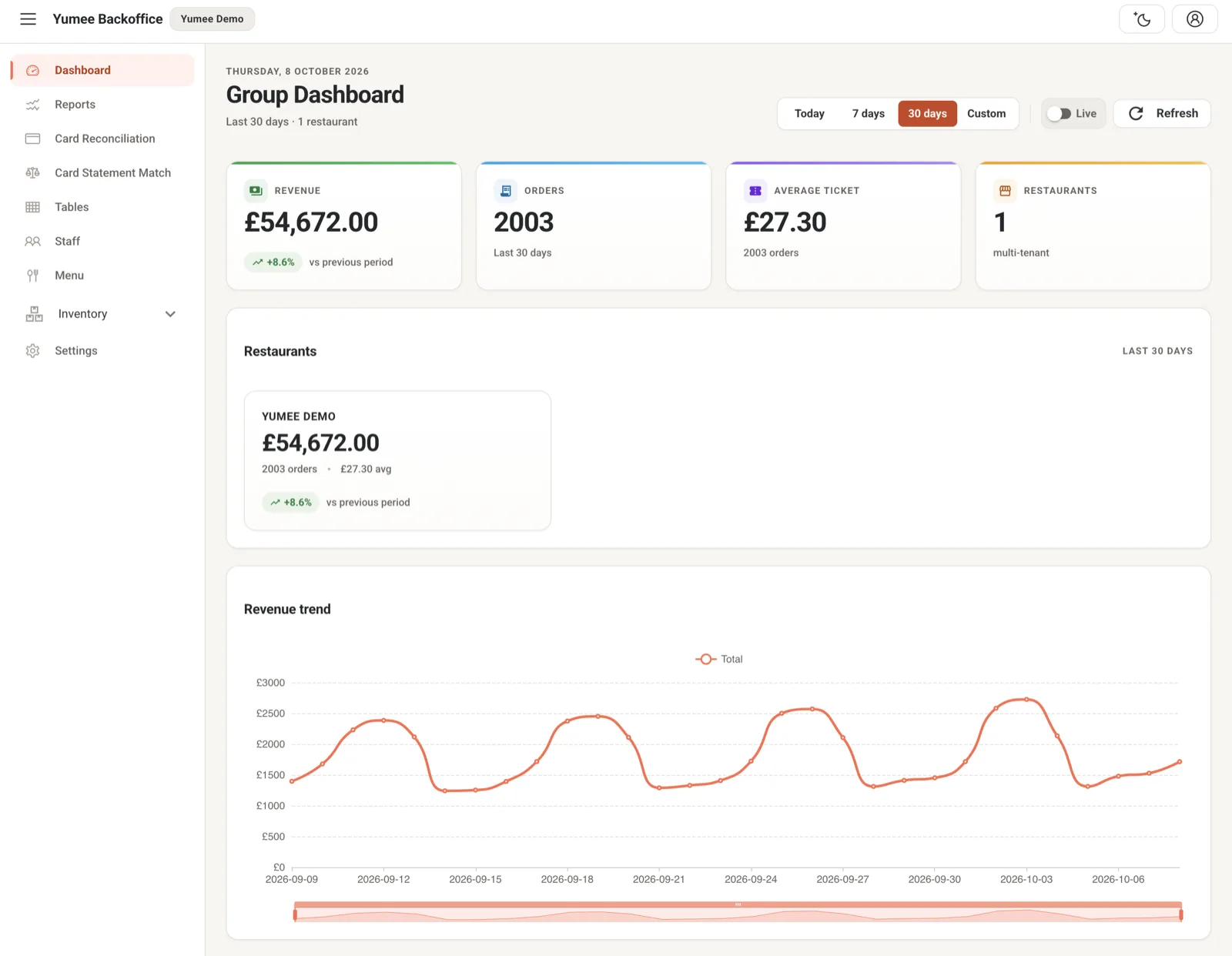
Backoffice is the desktop web dashboard for owners and managers. Where Yumee Metric is your app on the go, Backoffice is where you sit down and dig in: financial reports and end-of-day closes, matching your Shift4 card takings to the till, editing the menu in bulk, watching tables and staff live, and setting the business up — plus stock and recipe costing with the Inventory add-on. It handles one restaurant or a whole group: once we link your branches, one login moves between them. Sales and VAT add up across the group; Z-reports, stock and accounting exports stay per branch.
Who it’s for
Restaurant owners and managers, in a web browser. Owners sign in with their restaurant login. If a manager or your accountant needs access, we set up their account with only the parts they need — for example reports and VAT only.
What you can do
- Reports — Sales, the Z close, VAT by rate, staff sales and tips, voids and discounts, and exports for your accountant (Xero, QuickBooks, Sage, FreeAgent)
- Reconciliation — Match your Shift4 card takings to the till, with fees and refunds shown
- Inventory & stock (add-on) — Stock, suppliers, deliveries, counts, wastage and low-stock alerts
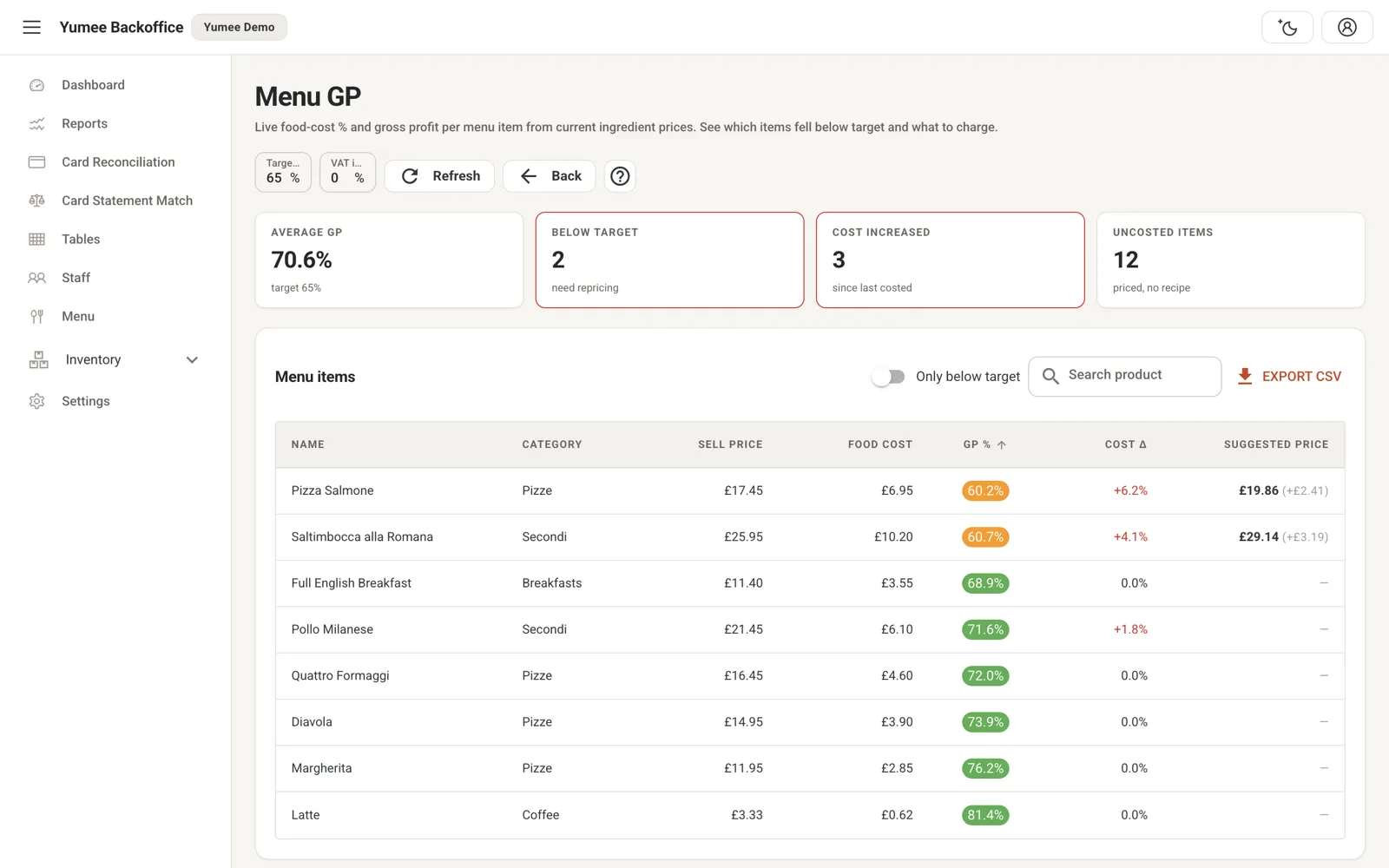
- Recipes & costing (add-on) — Recipe cost, profit per dish and allergen labels from your recipes
- Menu — Bulk-edit your menu, prices and what shows online
- Tables & staff — Live tables, staff on shift and labour cost against sales
- Settings — Restaurant details, VAT, your card terminal, vouchers and till set-up
See it working
Want to see the screens? Book a demo and we will walk you through every one.