


Yumee Restaurant Core
iOS Android Web PAXThe till your team uses all shift — take orders, run tables, and get paid.
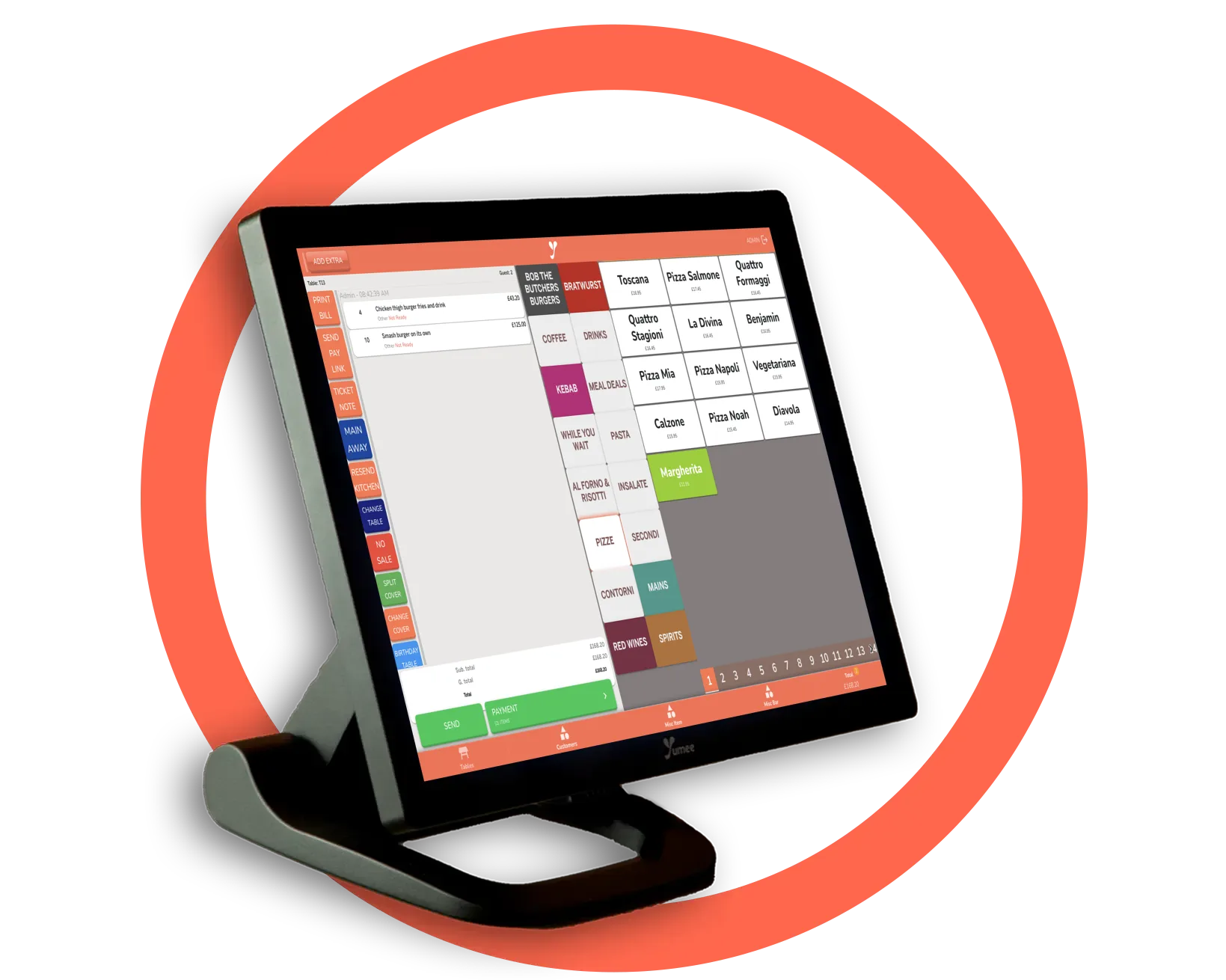
Yumee Restaurant is where service happens. Your team take dine-in, takeaway and delivery orders, manage tables and the floor plan, send orders straight to the kitchen, and take card and cash payments — all from one simple screen. If the internet drops, Yumee’s PAX card machines stay online on their own mobile data, so the till on the card machine keeps taking orders and card payments; on a till or tablet that uses your wifi, staff keep taking orders and kitchen tickets keep printing until the line returns.
Who it’s for
Everyone on the floor. Each person signs in with their own PIN, and what they can do depends on their role — staff, manager or owner. You set exactly which actions (discounts, voids, no-sale, settings…) each level is allowed; refunds stay with managers and above.
Where it runs
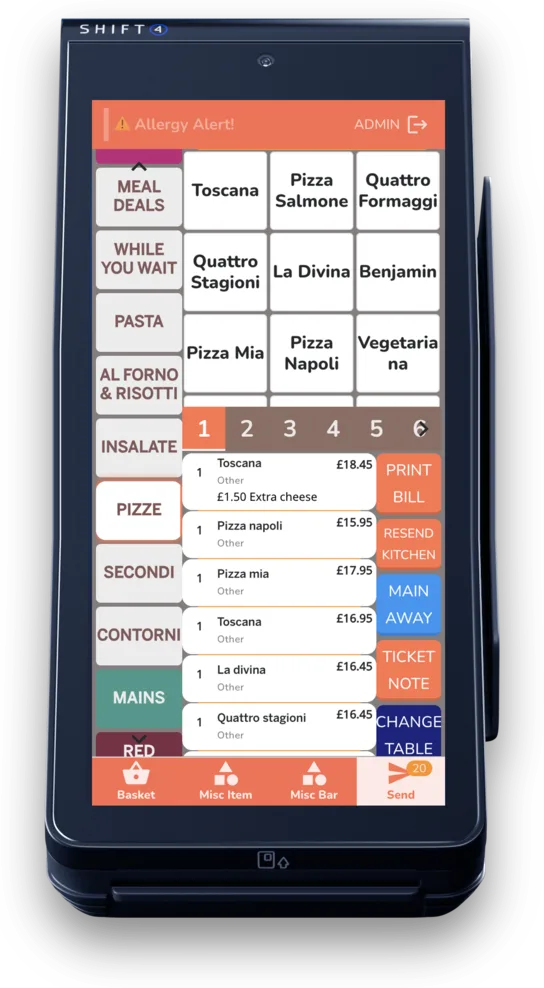
On your tablet or phone, in a web browser, or directly on your card machine — so you can start with one till and add terminals as you grow. Every till stays in sync in real time.
What you can do
Run your tables
See every table at a glance or on a visual floor plan. Track covers, timers, split by seat, merge and move.
Take orders fast
Categories, sizes, add-ons, allergens, notes and courses — then send straight to the kitchen.
Pace the courses
Hold a course and fire it with one tap, or let it go on its own after a set time — with a kitchen display or with printers only.
Counter mode
Set a till to skip the tables and open straight onto the order screen, back there after every payment — made for a coffee counter or a takeaway.
Get paid
Card and cash, split or merge bills, tips, vouchers, deposits and payment links — with a history that shows which links and deposits have been paid.
Discounts with limits
Take money off the whole bill, only certain categories and items, or everything except them.
Print anywhere
Route each order to the right kitchen printer and hand guests a receipt, automatically.
One place for every order
Online, delivery-app and QR-table orders all land on the same screen.
See your day
A live view of sales, full reports, and a clean end-of-day close — with the card machine’s own totals slip printed for you.
Clock in and out
Staff can clock in on the till with their own PIN, and the hours go to Clock for timesheets, rota and payroll.
See it working
Want to see the screens? Book a demo and we will walk you through every one.